Skip to content
AimSensKit
INPUT / OUTPUT

01 · SET THE SOURCE
02 · DEFINE THE TARGET
03 · VERIFY THE TURN

Local calculations
No account needed

A small console for a clear mouse setup

Sensitivity converter.
Translate the setting.
Verify the turn.

Use the sensitivity converter to translate a mouse setting with DPI and angular assumptions in view. Read cm/360, keep eDPI in context and copy a note you can verify.

Independent tool · Reference presets · Not affiliated with game publishers

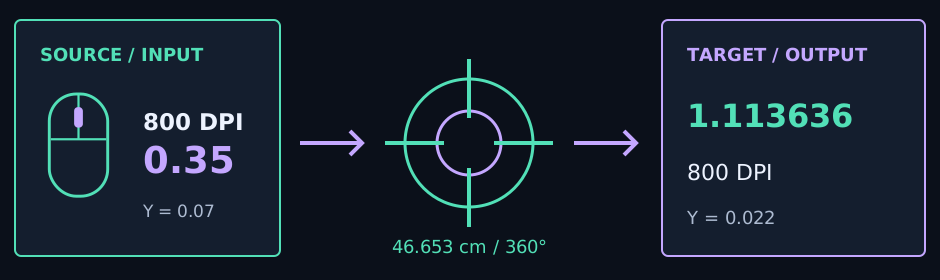
A mouse input panel linked to an angular turn arc and target sensitivity

Keep the coefficients beside the result

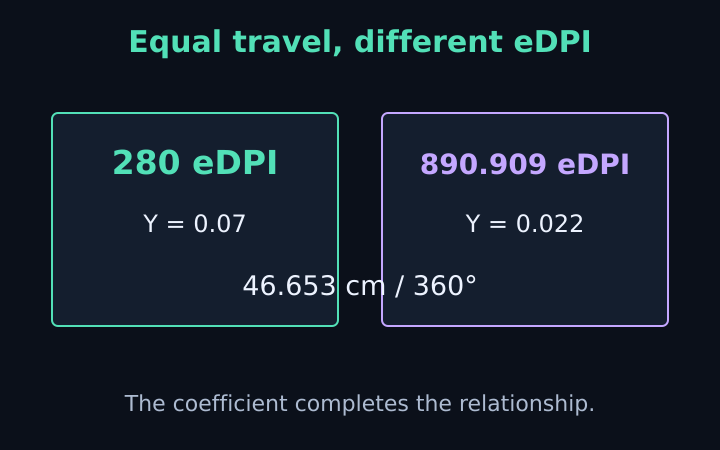
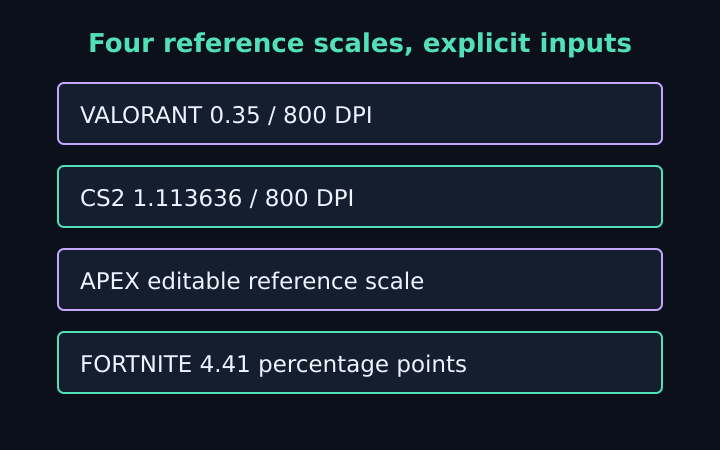
The example uses VALORANT 0.35 at 800 DPI, reference coefficient 0.07, and CS2 at 800 DPI with reference coefficient 0.022. Replace the assumptions with your verified setup.

CONVERSION CONSOLELocal calculation / no account
01 / SOURCE

Degrees per mouse count per one entered sensitivity unit. Editable reference, not a measured default.
02 / TARGET

Fortnite preset uses degrees per count per percentage point. Enter 5 for 5%, not 0.05.

Matches horizontal hip-fire turn distance under linear input. ADS, scope and screen-distance matching are excluded.

TARGET SENSITIVITY

cm / 360°
Source setting
Source eDPIWithin-game context only
Target eDPIFortnite uses sensitivity ÷ 100

Physical-turn checkpoints

180°
90°

Reference coefficients are assumptions to verify against your current game and device. Rounded game settings can change the exact match. Not affiliated with Riot Games, Valve, EA, Respawn or Epic Games. All game names are descriptive; inputs stay in browser memory.

A setting is useful when its meaning is clear

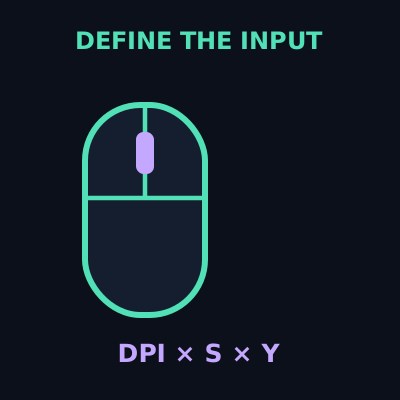
Define the source illustration

Define the source

Enter sensitivity, DPI and an explicit angular coefficient. The preset is a reference to inspect, not a certified default.

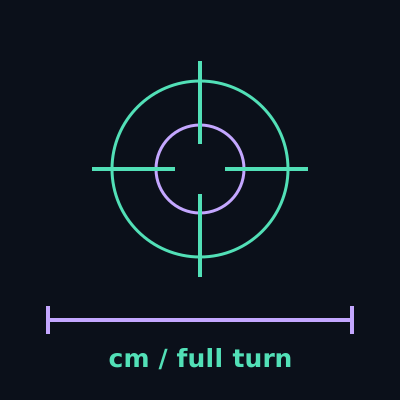
Read physical travel illustration

Read physical travel

See centimetres and inches for a full horizontal turn, plus 180-degree and 90-degree checkpoints.

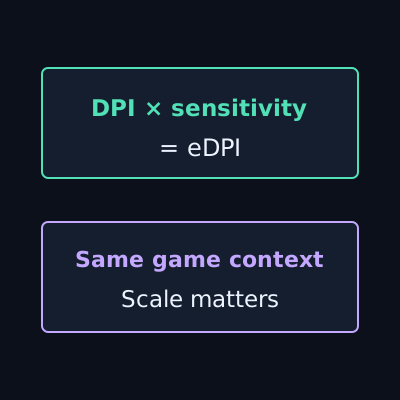
Keep eDPI in context illustration

Keep eDPI in context

Show the DPI-sensitivity product using the stated notation. Different game scales need their coefficients too.

Copy a reproducible note illustration

Copy a reproducible note

Save source, target, coefficients, physical travel and scope exclusions together, with manual-copy fallback.

From a source setup to a testable target

01

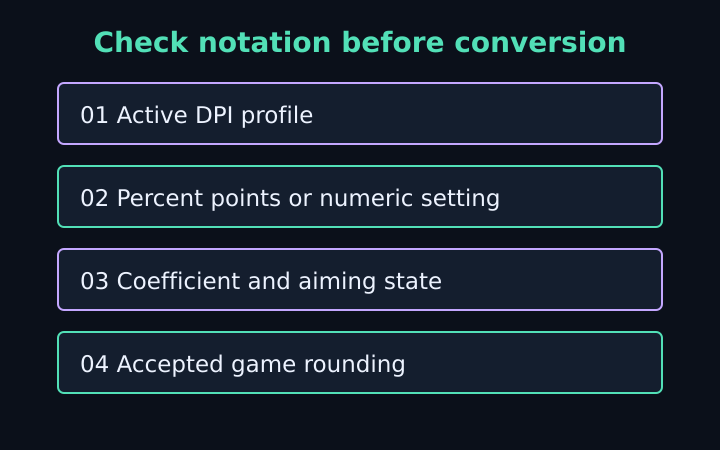
Identify the inputs

Use the active source DPI and sensitivity. Review coefficient units and percentage-point notation.

02

Define the target

Enter target DPI and coefficient. Read the resulting sensitivity and physical-turn distance.

03

Verify the match

Check the value accepted by the game and a consistent horizontal hip-fire turn. Retain rounding and assumptions.

Choose the question before the number

Convert between reference scales

Inspect a VALORANT to CS2 sensitivity converter scenario, or select Apex and Fortnite references.

Change a DPI profile

Preserve physical turn travel while changing target DPI, under the same verified angular scale.

Start from cm/360

Enter a chosen physical full-turn distance and derive implied settings. The distance is your input, not a recommendation.

Questions before changing a setting

What does the sensitivity converter match?

The physical mouse travel for a horizontal 360-degree hip-fire turn under linear input, using the entered DPI, sensitivity and angular coefficients.

Are the game coefficients verified current defaults?

No. The presets are editable reference assumptions. Check your current game and configuration, then verify a physical horizontal turn.

Can I compare eDPI across different games?

Different angular scales and sensitivity conventions can make equal eDPI represent different turn distances. Read eDPI within its game context.

Are my inputs stored or uploaded?

No. Calculation fields remain in browser memory without uploads, calculation cookies or persistent history. Copy uses the device clipboard.

Read the method behind the conversion

A match begins with stated assumptions.

Keep your DPI, sensitivity, coefficient and aiming state together. Verify the physical response after conversion.